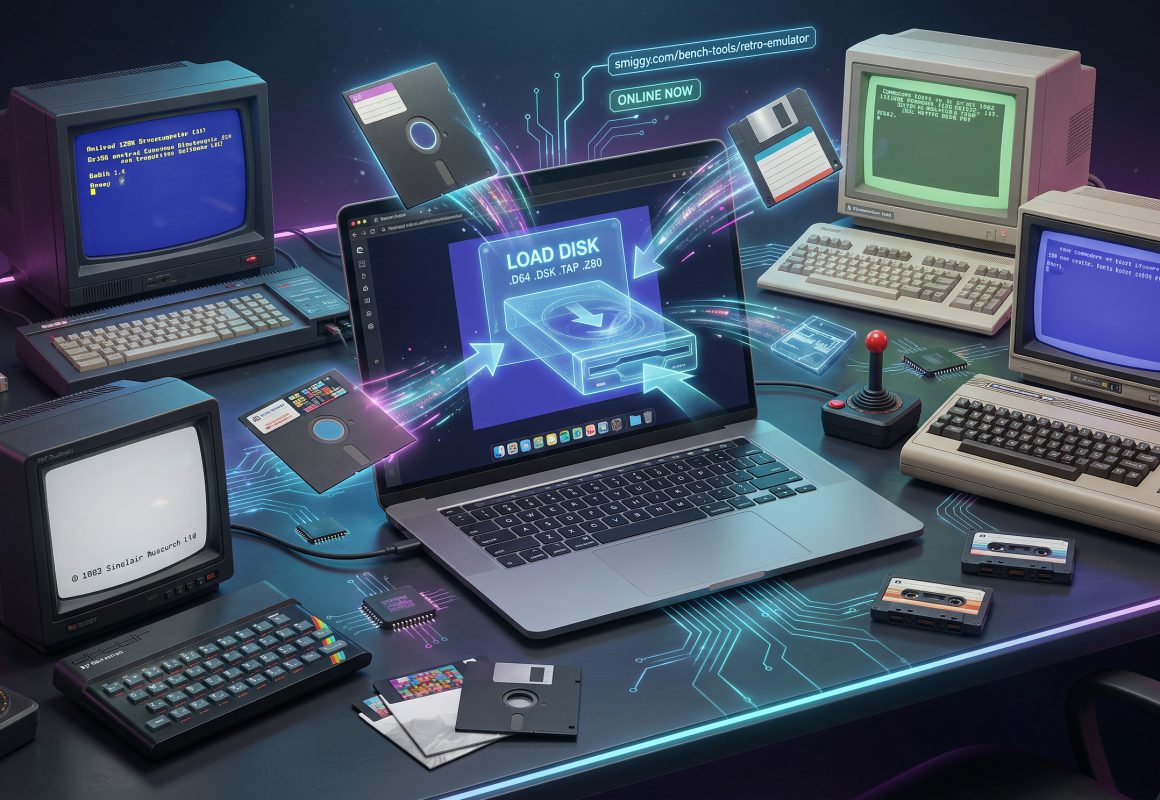
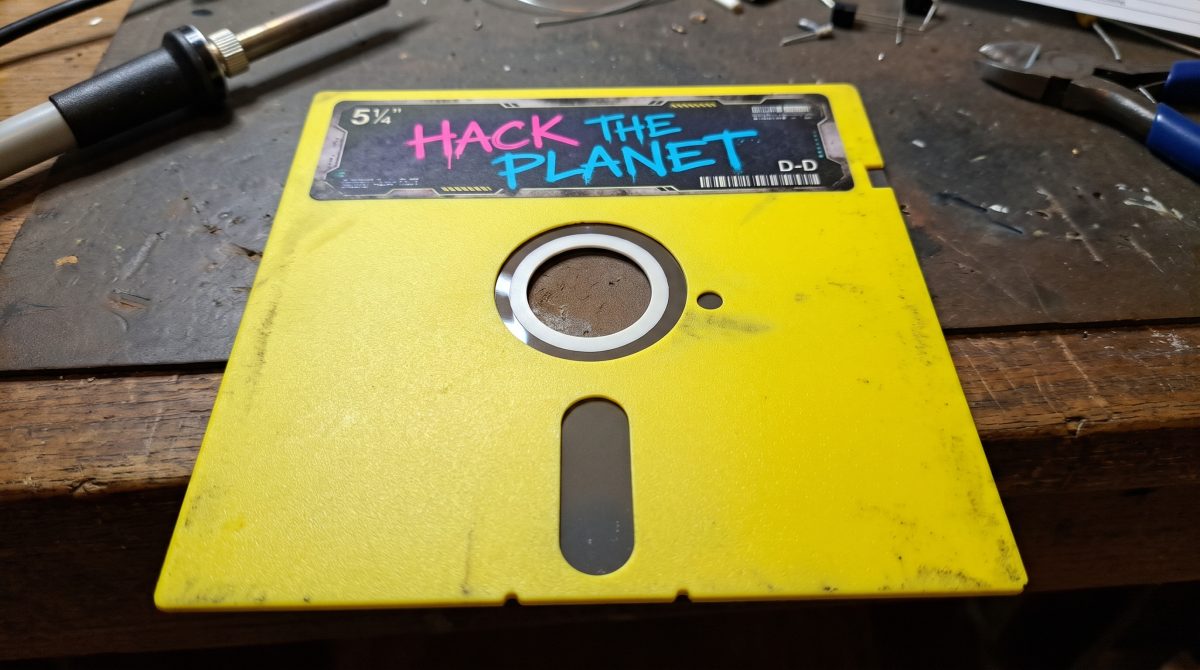
There's a particular sound anyone who grew up with 8-bit machines will never forget — the warbling screech of a .TAP file loading off a C90 cassette, or the rhythmic clunk-clunk-clunk of a 1541 disk drive hunting for track 18. I've got a shelf full of the real machines here in the workshop, but I'll be honest: half the time I want to check an old disk image, I can't be bothered to dig out the power supply, hook up an SD2IEC, and wait for it all to warm up.
So I built the next best thing: a Multi-System Retro Emulator that runs entirely in your browser, right here on the site. Drag a disk or tape image onto the screen and the actual machine boots — a proper Commodore 64 BASIC prompt, the Sinclair copyright line, or Amstrad's 128K Microcomputer banner. No downloads, no installs, and — this is the bit I care about most — your files never leave your computer. Everything is read into browser memory and run in WebAssembly. Nothing touches the server at all.
Four Machines, One Page
The emulator lives at smiggy.com/retro-emulator and currently emulates four systems, using real cycle-accurate libretro cores compiled to WebAssembly rather than a half-hearted JavaScript approximation:
- Commodore 64 (VICE x64sc):
.D64,.D71,.D81,.G64,.T64,.TAP,.PRG,.CRT,.ZIP— full 1541 disk emulation, so multi-load games work properly. - Commodore 128 (VICE x128): same formats, booting into 128 mode.
- ZX Spectrum 48K / 128K (Fuse):
.TAP,.TZX,.Z80,.SNA,.SZX,.ZIP. - Amstrad CPC (CrocoDS):
.DSK,.SNA,.KCRdisks and snapshots, with tape (.CDT/.VOC) and cartridge (.CPR) handled by the Caprice32 core.
Drop a file in and it auto-detects the machine from the extension — and for the ambiguous formats that several systems share (.TAP, .SNA, .ZIP), there's a manual system override so you're always in control.
The Fun Bits
I tried to include the stuff I actually miss when I use quick browser emulators:
- Save states in the browser — snapshots are stored in IndexedDB and can also be exported/imported as
.statefiles, so you can pick up a game on another machine. - Multi-disk support — a proper disk carousel for C64 multi-loaders (
LOAD"*",8and friends), plus Drive A & Drive B slots and one-click|A/|Bswapping on the Amstrad. - Locomotive BASIC quick macros — one-click buttons that auto-type
CAT,RUN"DISK,RUN"DISC, and|CPMfor you. - CTM644 colour vs GT65 green phosphor — the Amstrad monitor toggle, because some of us did own the green screen.
- Warp mode, CRT scanlines, 4:3 aspect toggle, soft/hard reset, and fullscreen — all the usual suspects.
- Joystick & keyboard — plug in a USB/Bluetooth gamepad and it's picked up automatically. On the keyboard, arrows act as the joystick and
Z/Xare your fire buttons. (Handy tip: in the CrocoDS "Select file to run" menu, highlight a file with the arrows and pressZto boot it.)
A Few Technical Notes
The whole thing is vanilla PHP/JS on the front end — same stack as the rest of the site — with the heavy lifting done by the EmulatorJS runtime running libretro cores in WebAssembly inside an isolated frame. For the Commodore machines it uses open, freely-redistributable ROM replacements by default, with an optional local ROM loader (cached in IndexedDB) if you want to drop in authentic dumps you've made from your own hardware.
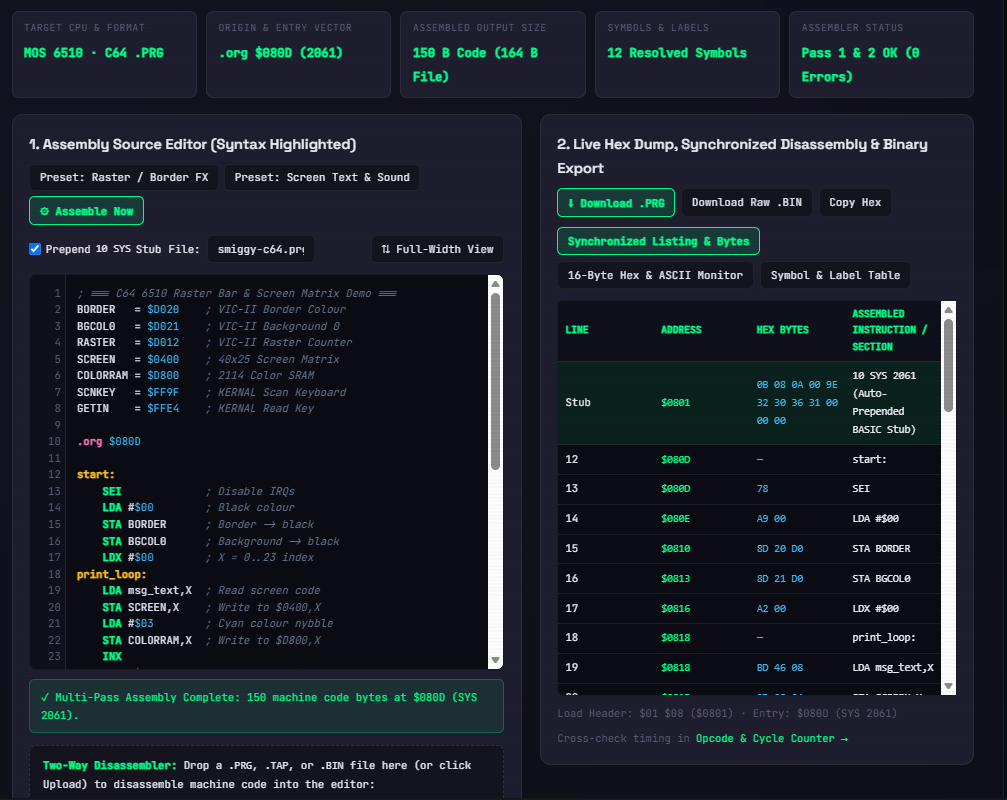
Fair warning that this was one of those jobs that sounded simple ("just embed a WASM core, how hard can it be?") and turned into a proper fight: Amstrad disk images initially needed a different core entirely after I hit an upstream bug in the Caprice32 WebAssembly build, and I had to dig through EmulatorJS's input layer to get keyboard-driven joystick emulation behaving. There's a full technical write-up on the emulator page itself — including a companion guide on AI-assisted C64 disassembly and modernisation covering Claude Code + MCP bridges into Ghidra, Regenerator2000 and headless VICE, if you're curious about how these old binaries get reverse-engineered these days.
Give It a Go
Fire it up at smiggy.com/retro-emulator, drop a disk image in, and see if your old favourites still hold up. It's a living workbench project like everything else on here — if a particular file format or machine quirk doesn't behave, or you've got a feature you'd like to see (tape fast-loading, more cores, that sort of thing), drop me a message or leave a comment below and I'll put it on the bench list.
Comments (0)
No comments yet. Be the first to comment on Smiggy's article!
Leave a Comment