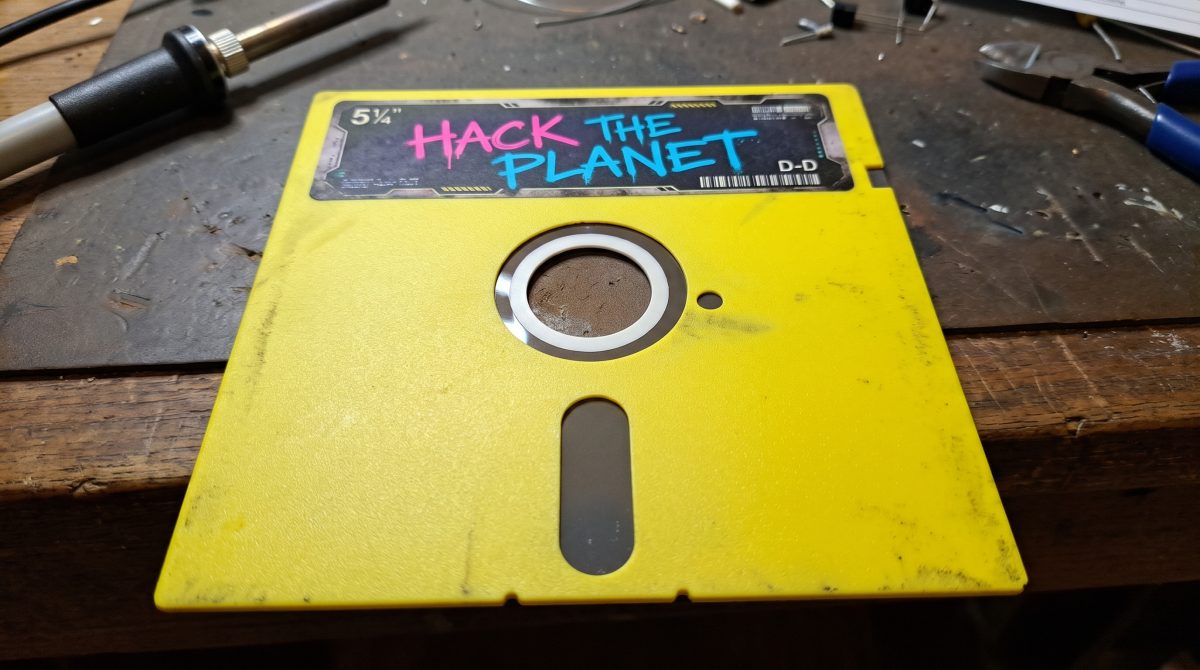
New Bench Tool: Client-Side Retro File Utilities & Interactive .D64 Disc Visualizer
I’ve just published a brand-new browser tool on the bench: the Retro File Utilities suite!
Whether you're inspecting disk images, tearing down binary code, or patching ROM dumps, this toolset gives you instant, deep insights into retro files right in your web browser—no uploads, no background server calls, and zero installation required.
What’s Included in the Box?
1. Interactive .D64 Track & Sector Disc Visualizer
The highlight of the release is a complete radial sector map for Commodore 64 .D64 disk images:
- 35-Track Sector Layout: Displays physical disk tracks and sectors rendered to match authentic Commodore 1541 drive geometry.
- Color-Coded Allocation: Real-time visual status across every sector on the disk—Free Blocks, System/BAM/Directory (Track 18), Allocated File Chains, and Corrupted/Error Blocks.
- Bidirectional Cross-Highlighting: Hover or click any file in the directory list to watch its allocated blocks light up across the concentric rings of the disk map. Hover over individual sectors to view exact Track/Sector coordinates and status.
- One-Click File Extraction: Browse directory entries (PRG, SEQ, REL, DEL) and download individual
.PRGfiles straight out of the image.
2. .PRG Hex Analyzer & 6502 Disassembler
A side-by-side binary inspector tailored for 8-bit assembly work:
- Load Address Auto-Detection: Instantly parses the first two bytes (e.g.,
$0801for C64 BASIC/machine code) to align code accurately. - Hex & ASCII View: Clean, monospaced side-by-side memory layout for auditing strings, tables, and raw bytes.
- Interactive 6502 Disassembler: Converts binary instructions into human-readable 6502 assembly (address, opcodes, mnemonics, operands).
- Automated Context Cross-Linking: Identifies key chip memory ranges and hardware vectors (6510 CPU, VIC-II, SID, CIA 6526) and provides direct links to corresponding guides in the C64 Machine Hub and IC Pinout Quick-Finder.
3. EEPROM .BIN Patch Generator
A lightweight byte-level editor designed for firmware and custom hardware modifications:
- Raw Binary Buffer Editing: Load firmware or EPROM dumps (
.BIN/.ROM) and apply offsets or custom byte patches directly in the browser. - Checksum Verification: Includes real-time CRC32 and checksum calculations to ensure clean builds before flashing physical ICs.
- Modified File Export: Save patched binaries instantly with zero server roundtrips.
Powered by Client-Side Rust & WebAssembly (Wasm)
Performance was a top priority when building this tool. The underlying parsing engines for .D64 sector tracks, 6502 instruction decoding, and byte-patch calculations are written in Rust and compiled directly into WebAssembly (.wasm).
- 100% Private & Local: Your disk images,
.PRGcode, and firmware dumps stay on your local machine—data is read purely in browser memory via the JavaScriptFileReaderAPI. - Near-Native Speed: Rust/Wasm handles track allocation loops and opcode disassembly in milliseconds.
- Forum Snippet Export: Includes one-click "Copy for Forum" buttons formatted in Markdown and BBCode, allowing you to copy disassembly snippets or disc map summaries straight into forum posts and tech threads.
Try It Out
The new utilities are live on the workbench and free to use:
Try the Retro File Utilities & Disc Visualizer
Have a look, drop a .D64 or .PRG file in, and let me know how it performs on your bench!

Comments (0)
No comments yet. Be the first to comment on Smiggy's article!
Leave a Comment