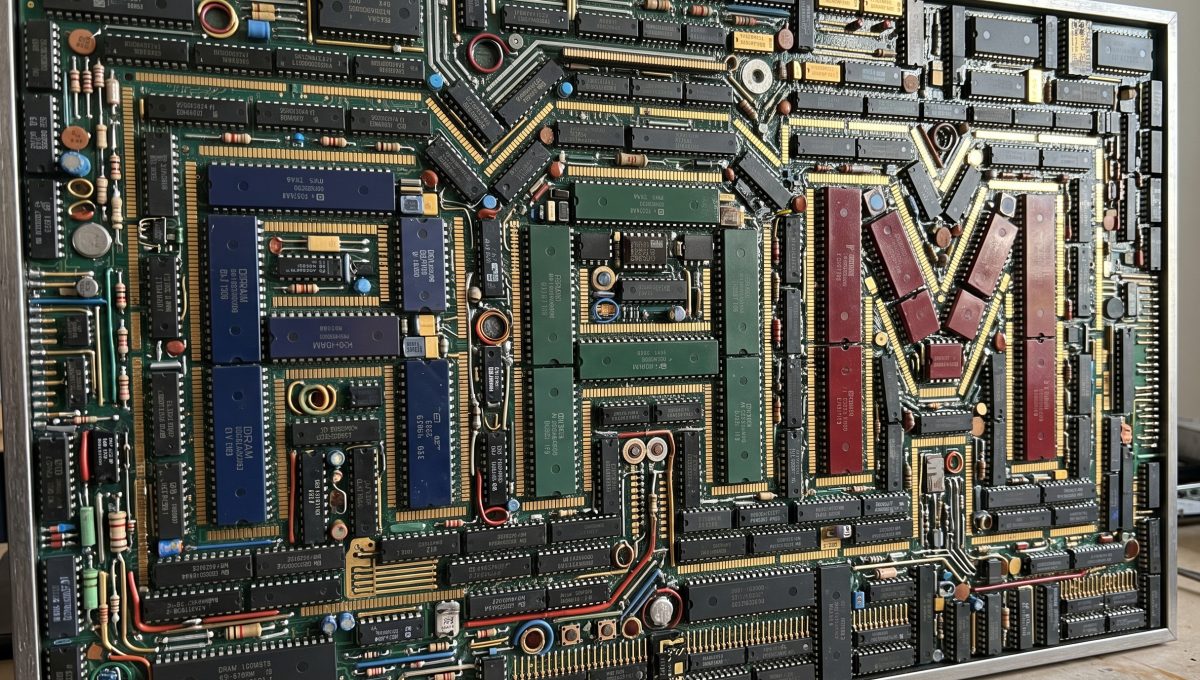
If you have ever stared at an empty socket on a retro board and wondered whether the chip in your spares bin is a safe drop-in or a fast route to smoke, this new bench tool is for you.
What It Does
The Retro Logic & RAM Substitution Guide is a searchable cross-reference covering three chip categories that cause the most confusion during retro repairs:
- DRAM — 4116, 4164, 41256, 4416 and 4532. The guide spells out exactly which swaps work, which need board modifications, and which will destroy the chip the moment you power on.
- CPUs — 6502 and its speed-graded variants (A, B, 65C02), the C64-specific 6510 and 8500, the Z80 family (Z80, Z80A, Z80B, Z80H, Z84C00 CMOS), and the 68000 / 68HC000 / 68010.
- 74-series logic — the common LS-family glue logic you find on almost every 8-bit and 16-bit board: ‘00, ‘04, ‘08, ‘32, ‘74, ‘86, ‘138, ‘139, ‘157, ‘164, ‘245, ‘374 and more, each with rated substitutions across LS, HCT, ACT, F and HC families.
Every substitution is rated safe, caution or dangerous, with a one-line explanation of why. Click any chip card to expand full details including pin count, package, supply voltage and the complete substitution list.
Dangerous Swap Warnings
The most important section sits right below the lookup table: eight red-flagged warnings for swaps that look plausible but cause real damage. A few highlights:
- 4116 → 4164 without a board mod — the 4116 uses three supply rails (+5 V, +12 V, −5 V). Those extra rails land on pins that mean something completely different on the 4164. Without cutting traces and fitting jumpers, the 4164 is destroyed the instant you power on. This catches people out on the ZX Spectrum issue 2 more than any other board.
- 6502 in a C64 socket — the C64 runs a 6510, not a plain 6502. Pin 24 on the 6502 is IRQ; on the 6510 it is an I/O port line that controls the PLA memory banking. A 6502 boots to a blue screen but BASIC ROM is invisible. It looks like a dead machine when it is actually a misidentified CPU.
- 74HC in place of 74LS — the HC family needs 3.5 V to see a logic high; standard TTL outputs only pull to around 2.4 V. The result is a gate sitting in its undefined region — it works on the bench when the room is warm and fails in a cold garage. The fix is simple: use 74HCT or 74ACT instead, which accept TTL-level inputs.
Logic Family Compatibility Matrix
The third section is a reference table comparing every logic family you will encounter in retro hardware: 74LS, ALS, S, F, HC, HCT, AC, ACT and 4000B CMOS. Each row shows VOH, VIH, VOL, VIL thresholds, supply current per gate, typical propagation delay, fan-out, and whether the family can drive and accept TTL levels. If you are swapping a logic IC and the upstream or downstream device belongs to a different family, this table tells you at a glance whether the swap is electrically safe.
How to Use It
Head to smiggy.com/bench-tools/substitution-guide and start typing a part number — the lookup filters instantly across all chip names, descriptions, and substitution notes. You can also filter by category using the pills at the top: All, DRAM, CPUs, or 74-Series Logic.
It runs entirely in your browser with no server calls, so it is fast even on a phone propped up next to the bench. Like all the other bench tools, it picks up whichever Smiggy theme you have selected — dark, amber terminal, matrix green or workbench light.
Why I Built It
I got tired of having the same conversations on forums and in DMs: “Can I use a 4164 in my Spectrum?”, “Will a Z80 work at 4 MHz?”, “Is 74HC245 the same as 74LS245?”. The answers are always “it depends”, and the depends part is exactly what this tool lays out. Every substitution is tagged with a clear verdict and a brief explanation so you can make the call on the bench without wading through datasheets.
If there is a chip or substitution you think should be in the guide, drop a comment below or get in touch — I will keep expanding it as I come across more swap scenarios in the workshop.
Happy repairing!
Comments (0)
No comments yet. Be the first to comment on Smiggy's article!
Leave a Comment